About this coloring page
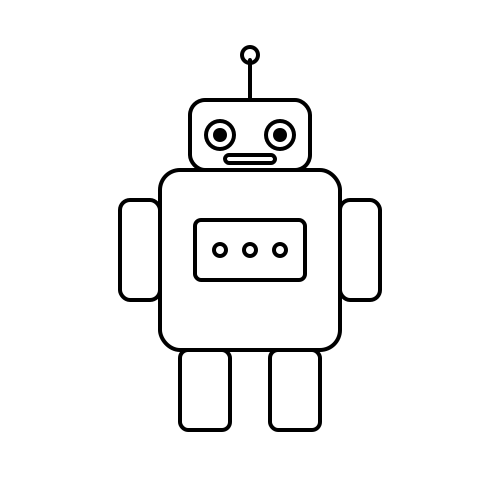
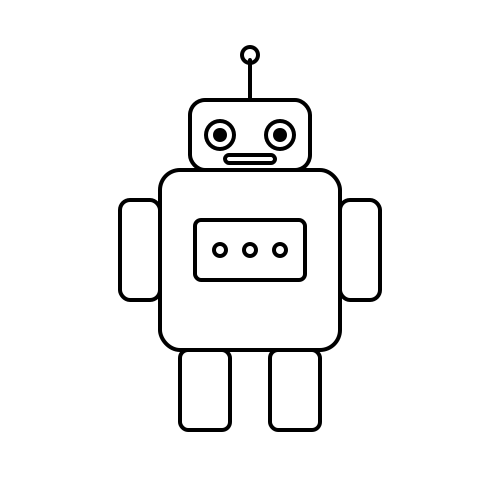
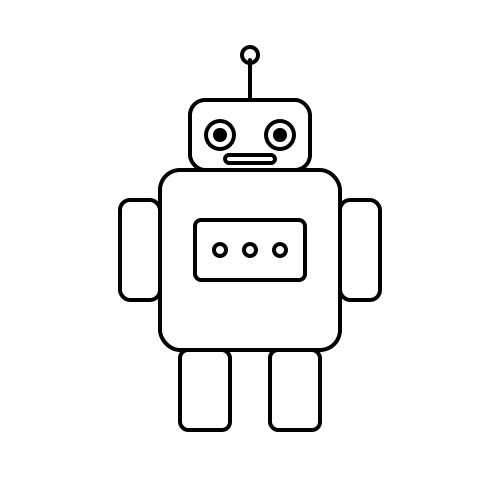
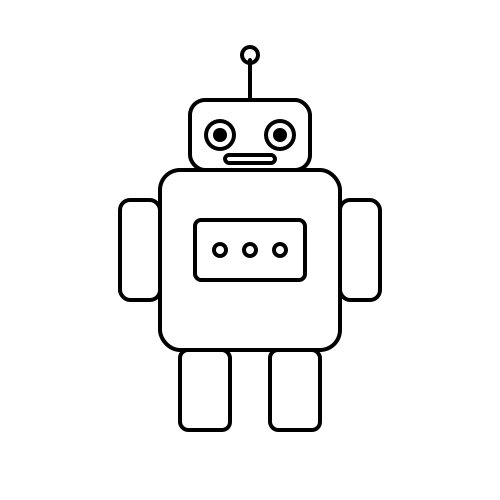
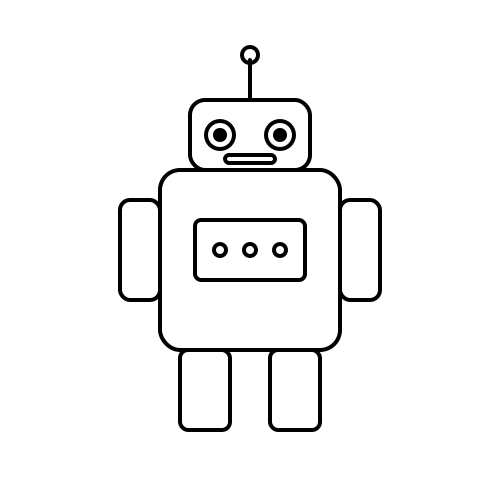
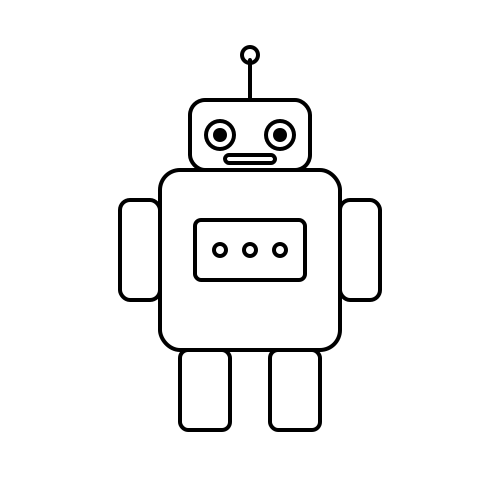
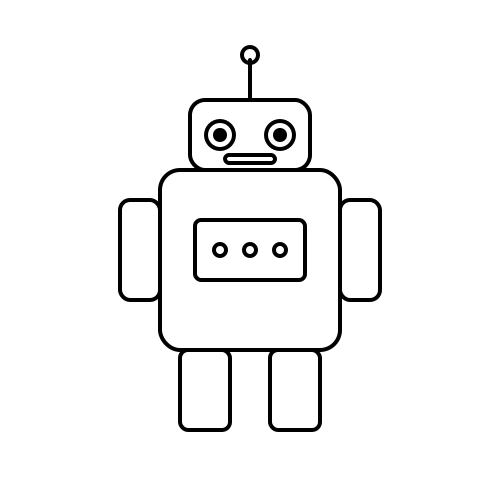
If your kid loves robots, this Tiny Helper Bot page is an easy win. The lines are thick enough to fill in confidently with a chunky crayon, and the negative space is varied — some big sweeping areas for younger artists, some smaller pockets that reward a more careful hand. We drew it specifically with the 4 – 12 crowd in mind, so nothing is so fiddly that a preschooler will give up halfway through, and nothing is so empty that a second-grader will lose interest.
Print on standard letter or A4 paper. We recommend 28 lb “multipurpose” paper if you have it — markers bleed less and colored pencils layer more smoothly than on basic copier stock. The SVG is vector, so feel free to scale it up to poster size for a classroom mural without losing any sharpness. A common trick teachers use is to print one page at 200% on tabloid paper and let a small group color it together as a cooperative project; it turns a five-minute activity into a thirty-minute one.
Many of our characters pages get used as conversation prompts as much as art projects. A Tiny Helper Bot is a small invitation to talk — about colors, about the subject, about a story your child wants to invent on the spot. We’ve added a few open-ended questions further down the page that you can use as conversation starters while your child is working, no special prep required.
Coloring this kind of page is a remarkably good wind-down activity before dinner or bedtime. The repetitive motion is calming, the focus is gentle, and the finished result gives kids a small sense of accomplishment to carry into the next part of their day. We’ve found that even reluctant readers will sit through a chapter of a bedtime book if they have a Tiny Helper Bot page in their lap and a quiet pile of crayons next to them.
Coloring tips
- Print two copies and let your child try a realistic version on one and a totally invented color scheme on the other.
- Save a sticker sheet for the end — three or four well-placed stickers turn a finished page into a card or gift tag.
- Color the background first with a light wash so the Tiny Helper Bot stands out.
- Tape the page to a window after coloring with markers; the light coming through gives a stained-glass effect kids love.
- Try one color family per area — warm colors (red, orange, yellow) for a sunny mood, cool colors (blue, green, purple) for a calm one.
- Use the side of a peeled crayon for big areas and the tip for small details — same crayon, two different looks.
Want printable-friendly paper recommendations? See our quick guide to crayons, markers and printer paper →
Conversation starters
Coloring time is a great moment to talk. Try these prompts while your child is working on their tiny helper bot page:
- Pick the part of the page you like best — what makes that part the best?
- Where does this Tiny Helper Bot live? In a forest, a city, a kitchen, somewhere else?
- If you could give it a name, what would it be?
- If you drew the next page in the story, what would be on it?
- Who is this Tiny Helper Bot’s best friend, and what do they do together?
Learn a little more
Most characters-themed pages on Kid Pages Fun pull from the wider world of public-domain illustration, then get redrawn with thicker outlines and simpler shapes so they print cleanly and color easily. The Tiny Helper Bot design is a friendly, kid-readable take on the subject — perfect as a jumping-off point for a quick conversation, a related picture book at the library, or a short field trip if the season is right. Pair it with one or two other Robots pages from this site for a longer activity, or use it as a single five-minute warm-up before moving on to something else.